Import a SiteChop asset
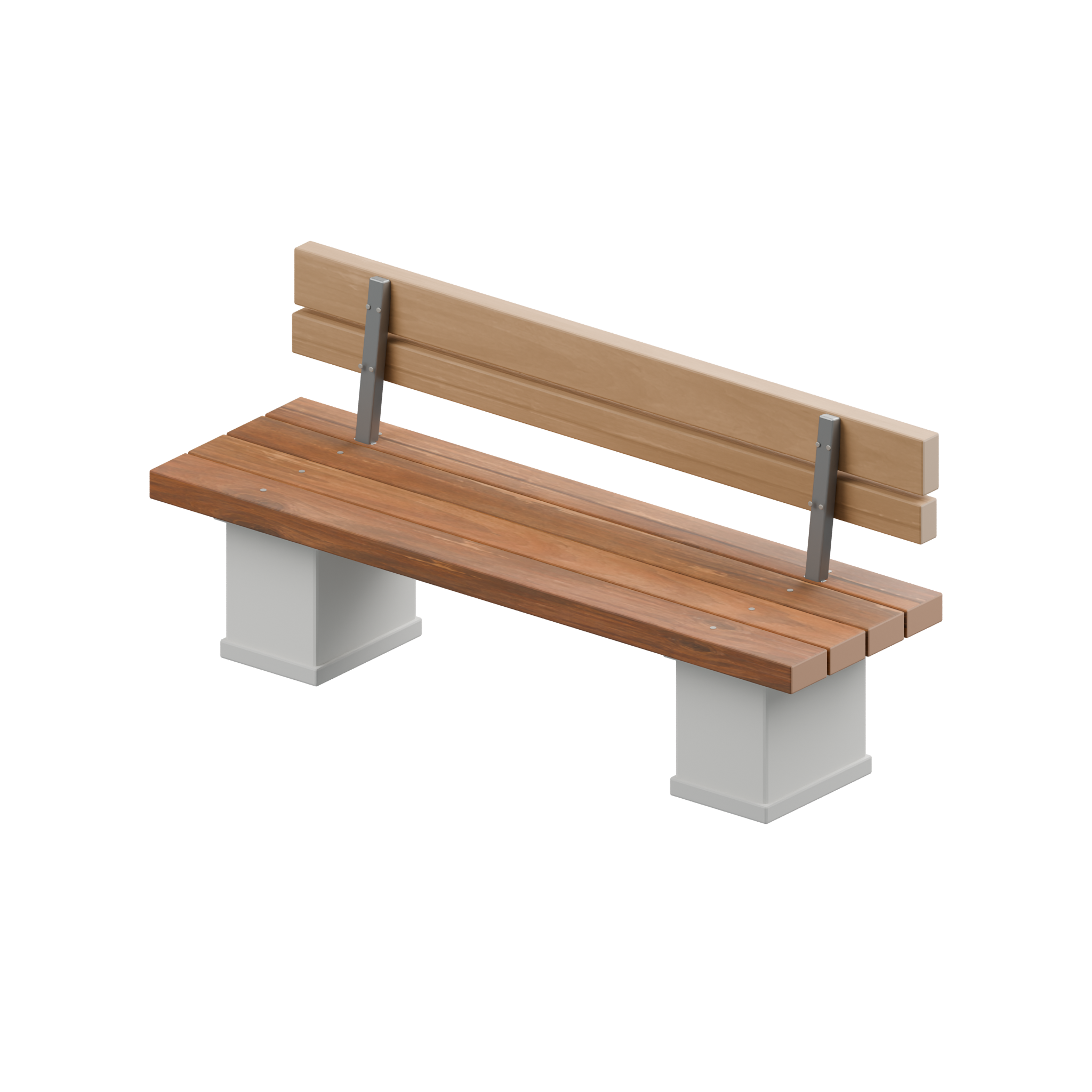
Try Bank Seat, Detailed edition. It is a static model with an embedded material setup and a 2048-pixel sprite. The GLB measures about 2.05 × 0.93 × 0.62 metres (width × height × depth).
Download GLB Download BLEND Download PNG Read the license
Blender
- Open the BLEND file with script auto-run disabled to edit the original model.
- To import into a different scene, start with File → Import → glTF 2.0 and choose the GLB.
- Keep a scale of one on import. Blender converts the GLB’s +Y up coordinates to +Z up.
Checked in Blender 4.5.16 LTS. The native file and GLB both opened with 40 mesh objects, 5,088 triangles and nine materials; their measured sizes matched.
Godot
- Download the GLB into your project folder and let the editor import it.
- Place an instance of the imported scene under your level’s Node3D. Keep the instance at unit scale to preserve the asset dimensions.
- Add a light and camera in your scene to see the materials. Configure collision separately if you want a usable seat in gameplay.
Verified scene construction and scale with Godot 4.7.2's glTF importer. The example does not supply physics, navigation, or animation.
Three.js
Load the same GLB using GLTFLoader, then add gltf.scene to a lit scene. Serve your project over HTTP; use a URL your browser can fetch. Keep the model at unit scale.
import { GLTFLoader } from 'three/addons/loaders/GLTFLoader.js';
const { scene: model } = await new GLTFLoader().loadAsync('./asset.glb');
scene.add(model);
Inspect the example
These checks describe this exact edition. Read the model and file facts on other item pages before using them. For a 2D scene, import the PNG or WebP as a sprite. Separate project use from the file’s training conditions and keep the linked notices.
Starter collection: public seating
Set up a walkway, then choose a seat by width and leave room for traffic. Every entry opens its own object page with the models, sprites and terms.
 Bank Seat2.05 m wide · Detailed
A mid-size timber and iron seat for paths and public spaces.
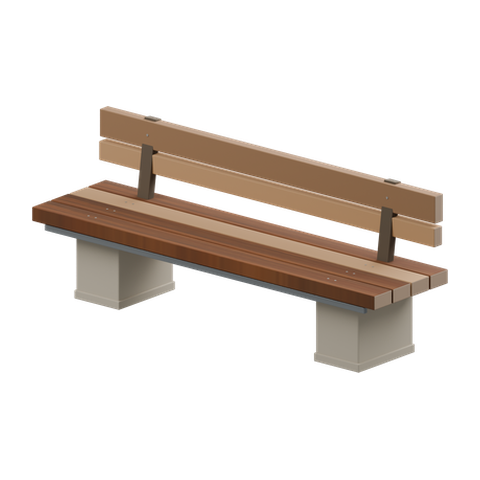 Harbor Seat2.39 m wide · Detailed
The widest seat in this set; try it along a broad promenade.
 Quay Seat2.23 m wide · Detailed
A long public bench for a dock, plaza or street edge.
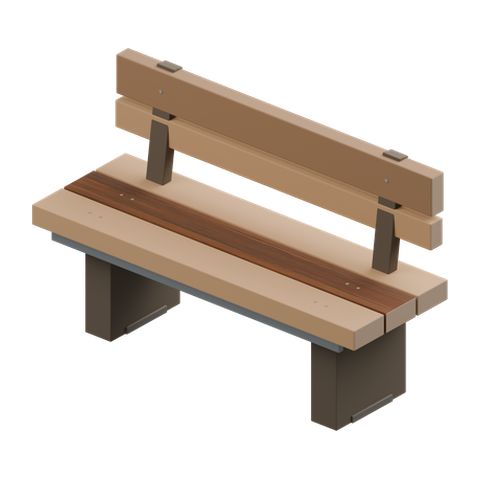 Terrace Seat1.48 m wide · Detailed
The shortest seat in this set; useful where space is tight.