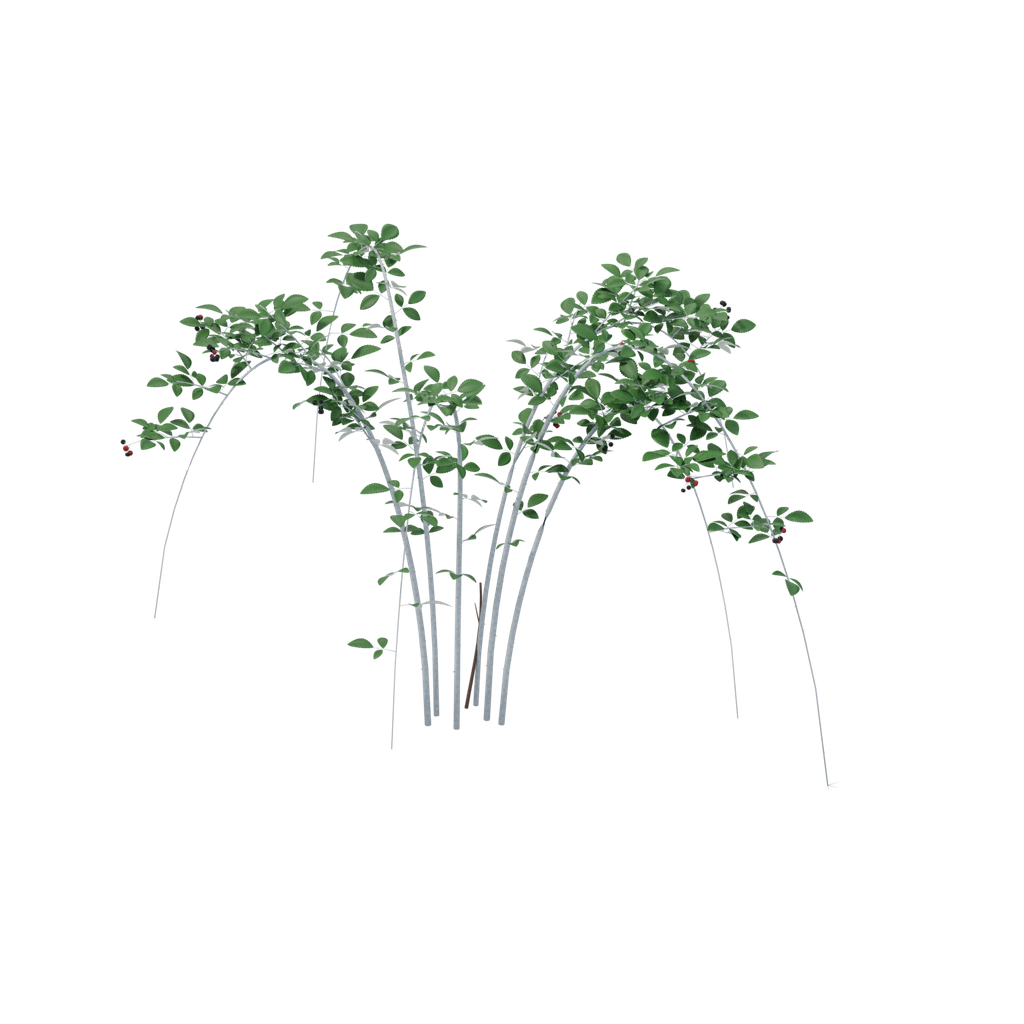
Black raspberry
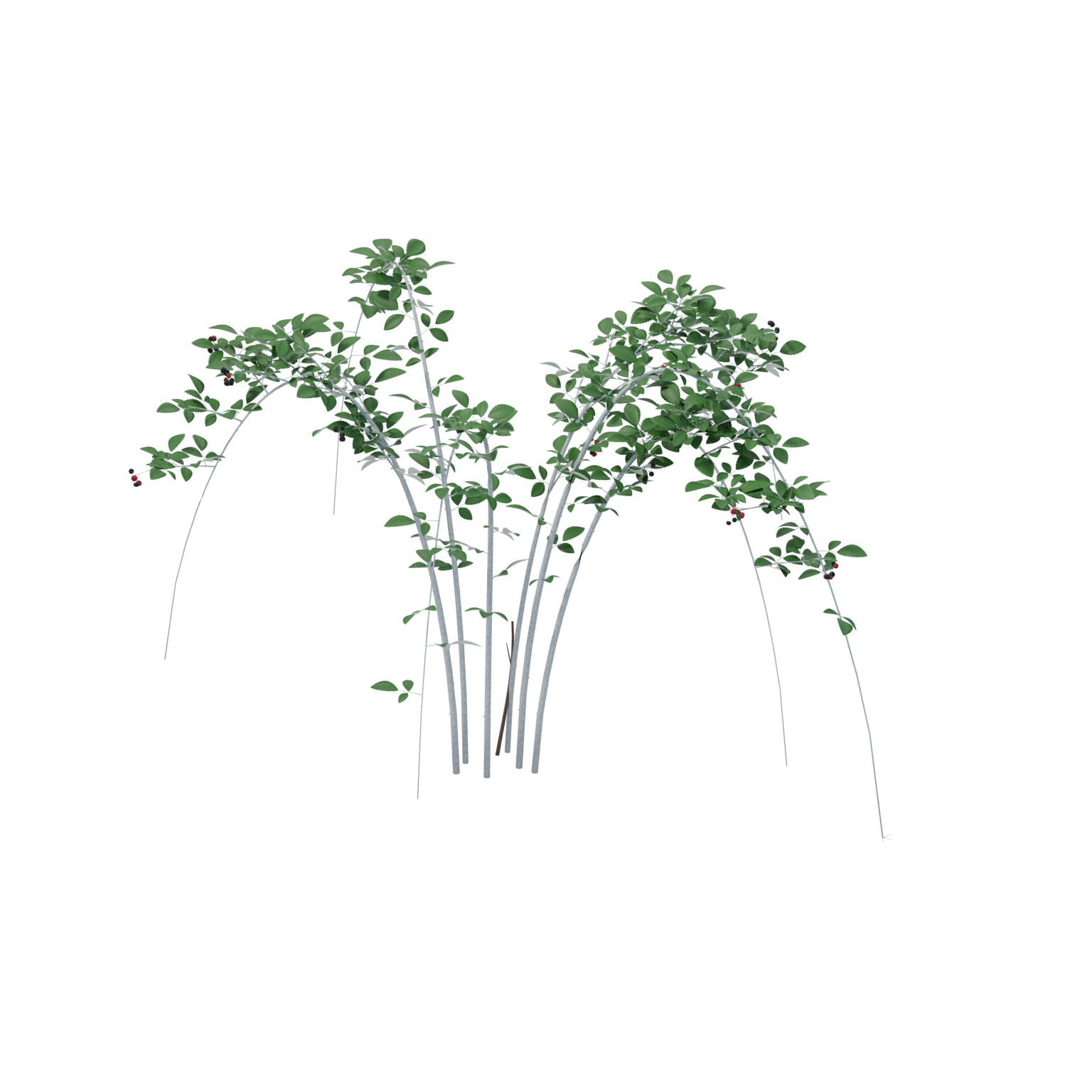
A Rubus occidentalis specimen with editable BLEND, embedded GLB and transparent PNG/WebP images.
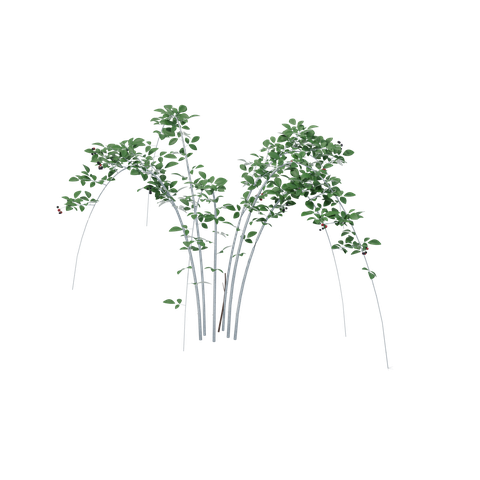
Open interactive asset preview ↗Choose a file ↓
What you get
A 3D model with volume. Check the model dimensions and file details before import.
- Scientific name used in the source: Rubus occidentalis.
- One static plant specimen per species, with original modeled geometry and materials.
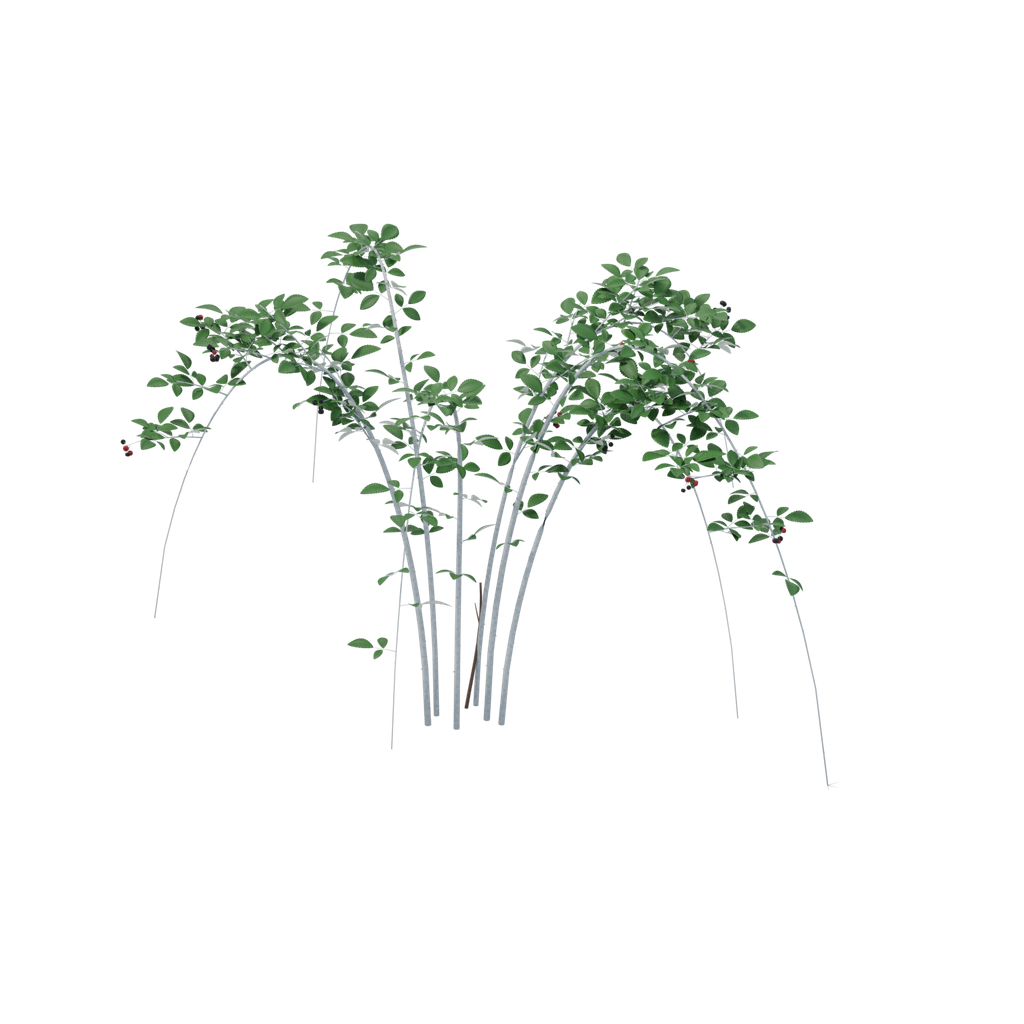
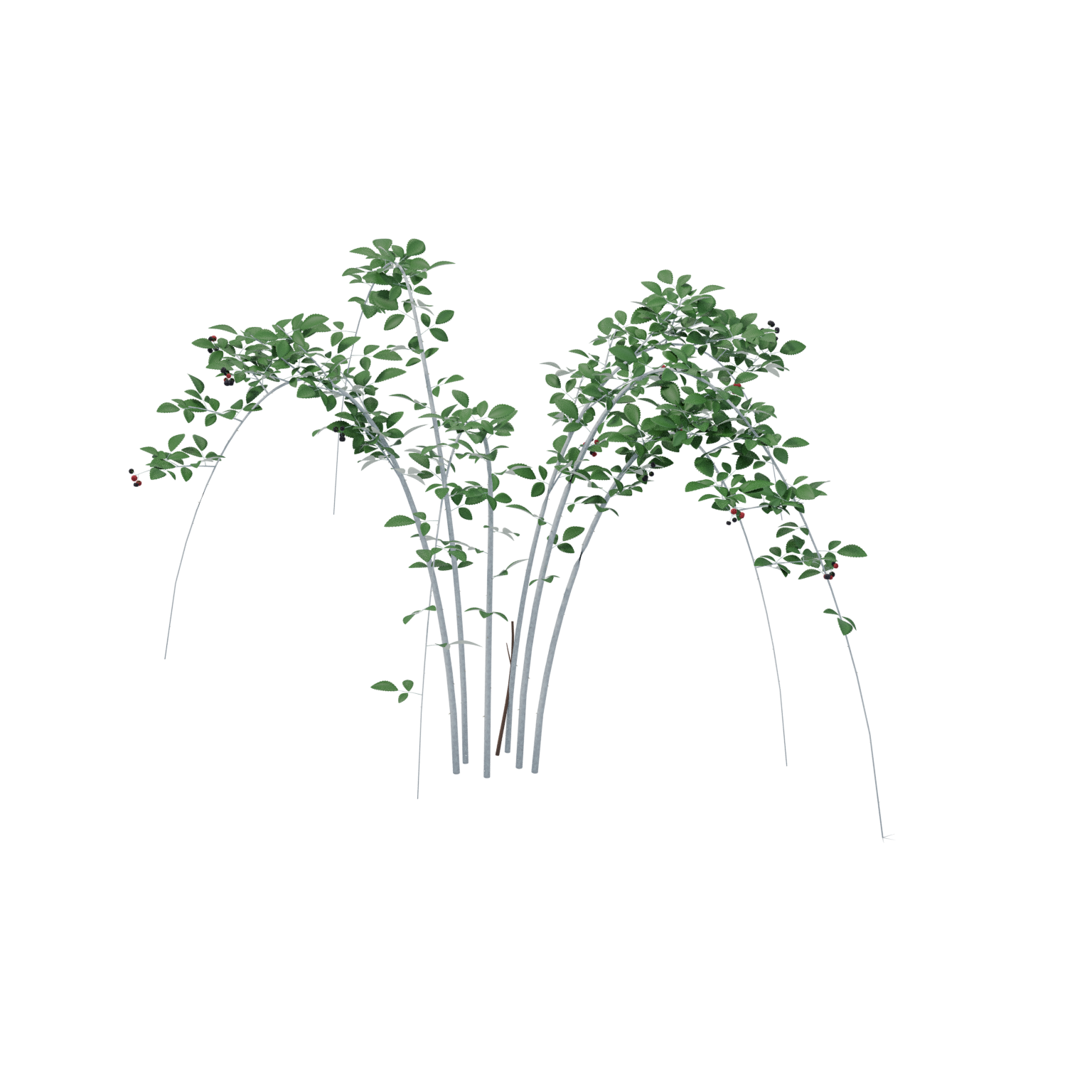
- The original GLB, WebP sprite and white PNG/WebP thumbnails retain their delivered bytes. Private render paths were removed from PNG sprite metadata. Their image data and decoded pixels are unchanged. Native BLEND copies have portable packed-image paths and cleaned presentation metadata; geometry, materials, transforms and packed texture pixels are unchanged.
- No wind rig, collision setup, automatic LOD system or game-engine performance certification is included.
- Fresh local checks cover native Blender reopen, unchanged geometry/material/texture signatures, GLB structure and embedded resources, image pixels and download packaging. No new renders or game-engine tests were performed.
- This delivery carries no website AI-training grant. See AI-TRAINING.json and LICENSE.txt.
- Static model without wind animation or collision.
- High polygon count; assess performance in the target engine.
Original model facts
- Triangles
- 726,424
- Mesh instances
- 20
- Materials
- 14
- Embedded textures
- 6
- GLB bounds · X / Y / Z
- 2.291 × 1.500 × 1.986 m
- Animation clips
- 0
- Skin bindings
- 0
Measured from Original · asset.glb. glTF uses meters and +Y up; Blender uses +Z up. Bounds enclose the model; rotated parts can leave extra space inside the box. These dimensions describe the model in the file and do not establish the scale of its subject.
Check scale, materials, collision and performance in your target project. See the available files for variants and extras.
Free to build with
Use and modify these assets in personal and commercial finished projects. The SiteChop license does not require credit in finished work. Follow any third-party notices. Do not resell or redistribute the standalone files.
AI assistants can download files for projects. Only files listed as conditional in the training manifest are within SiteChop’s training grant, subject to the stated and upstream terms.
AI-TRAINING.json · LICENSE.txt · How to import and use files
Use with AI tools
Choose your file
Select a file to see its preview when available. Use the download arrow to save the file.
Basic files
File checksums and training terms
SHA-256 identifies the exact file. Training permission follows the file’s entry and required notices.
- asset.blend
f0237b02d6ef03c15cd56d07ee79f0ffdd754427b0d053bd16fc2a71d35fa6d9outside_website_training_grant - asset.glb
7c485dab6cdf78f38b714e83f1c69c81cb8097545e6e26e01e33d5a2f9806a2coutside_website_training_grant - sprite.png
4909aeb2c236dddbc2a635d886a0b6b2f2317b2fdd7cddb5391a0742c0ea2428outside_website_training_grant - sprite.webp
40edb9b7a639e7ab46c87b3c1385c8be108cda5c7b604c6c0b838b56ba5837f7outside_website_training_grant - thumbnail.png
a6d53009e29db117ba4589de11b921c5284edad089caceeaf0b4a32cae3c1afdoutside_website_training_grant - thumbnail.webp
d72defa7561335fa818ff2a1ae95b5f77d66c4839cdcc973c39640cc179dfe75outside_website_training_grant