Siberian elm
A mature Siberian elm model with a broad, fine-branching crown.
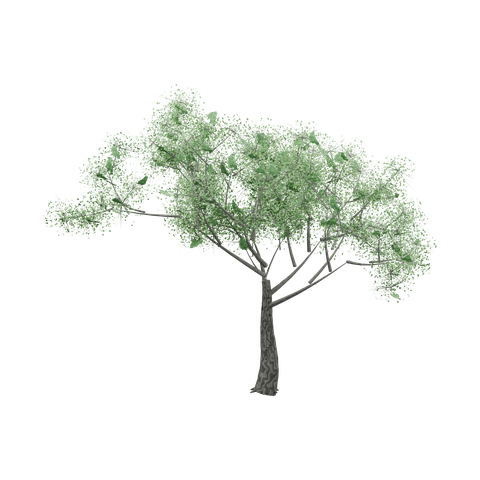
Open interactive asset preview ↗Choose a file ↓
What you get
A 3D model with volume. Check the model dimensions and file details before import.
- Scientific name used in the source: Ulmus pumila.
- Each Detailed GLB preserves the original source bytes. Euphrates poplar, weeping willow and Oriental plane use their supplied model renders. Siberian elm uses a new full-resolution native render of its original geometry and materials.
- Editable Blender scenes were reconstructed from the same Detailed GLBs. Vertex aliases preserve both directions of coincident opposite-winding faces during import.
- Static high-density trees. Check delivery size, renderer shading and target-device performance.
- See the included canonical license and file-specific AI training manifest.
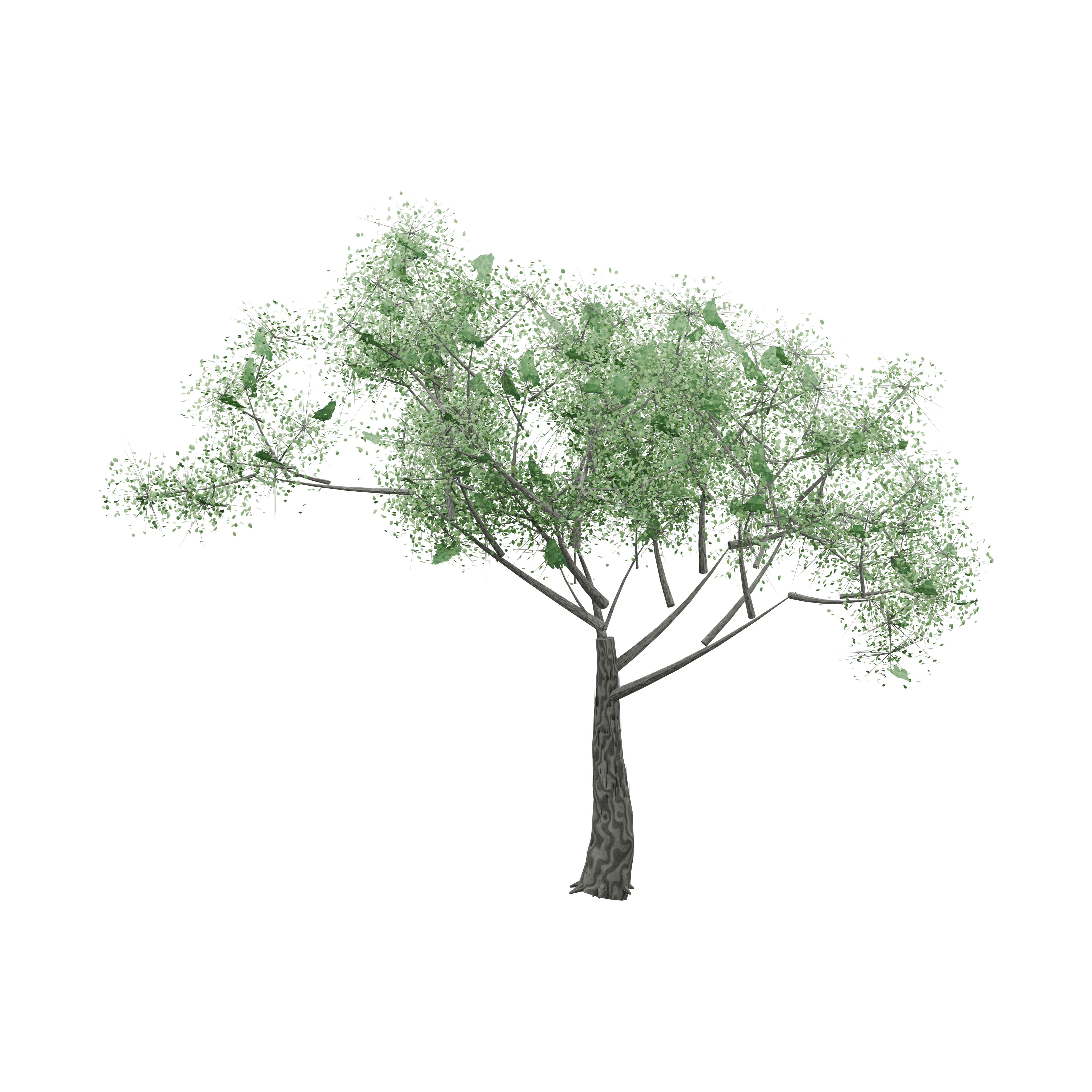
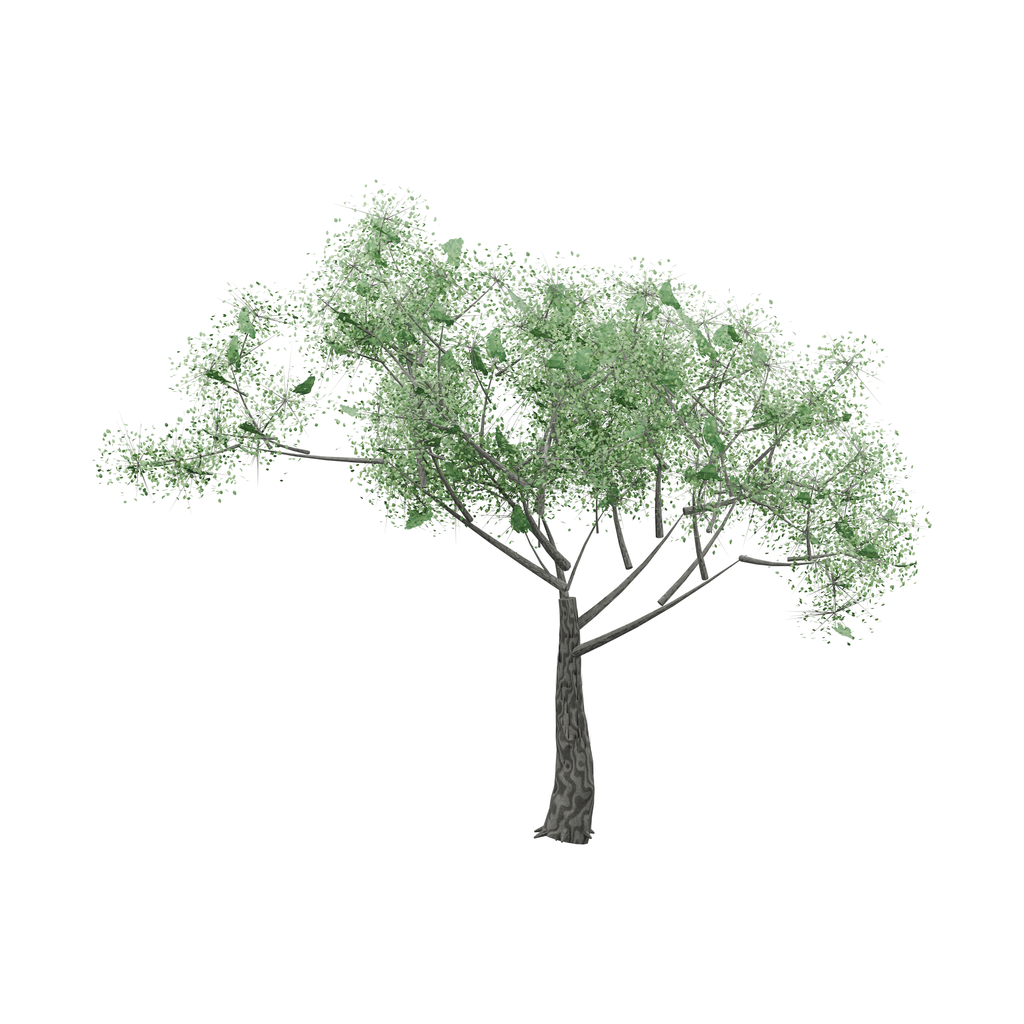
- The transparent PNG and WebP are from the new native 4096px render with a complete crown and white cover.
- The original GLB uses importer-generated surface normals and tangent space.
- Static model without wind animation, rig or collision geometry.
- High-detail mesh. Test target devices and engine performance.
Original model facts
- Triangles
- 1,528,907
- Mesh instances
- 11
- Materials
- 11
- Embedded textures
- 15
- GLB bounds · X / Y / Z
- 15.270 × 12.000 × 11.990 m
- Animation clips
- 0
- Skin bindings
- 0
Measured from Original · asset.glb. glTF uses meters and +Y up; Blender uses +Z up. Bounds enclose the model; rotated parts can leave extra space inside the box. These dimensions describe the model in the file and do not establish the scale of its subject.
Check scale, materials, collision and performance in your target project. See the available files for variants and extras.
Free to build with
Use and modify these assets in personal and commercial finished projects. The SiteChop license does not require credit in finished work. Follow any third-party notices. Do not resell or redistribute the standalone files.
AI assistants can download files for projects. Only files listed as conditional in the training manifest are within SiteChop’s training grant, subject to the stated and upstream terms.
AI-TRAINING.json · LICENSE.txt · How to import and use files
Use with AI tools
Choose your file
Select a file to see its preview when available. Use the download arrow to save the file.
Basic files


File checksums and training terms
SHA-256 identifies the exact file. Training permission follows the file’s entry and required notices.
- asset.blend
cc062e3265042a9d43256402abac2c586a4e3efc6d86e59afc4e68ddee14d6d0outside_website_training_grant - asset.glb
2bb85512e5577da693c839b2c042e8ad01272be1937861787cab4f6107da97fboutside_website_training_grant - sprite.png
5194977b3bc21e6799b98d4d232c546506ad4b37fd43dd759afc69618e5094c5outside_website_training_grant - sprite.webp
3bf9134b695bd3316f96af9007e8d820891489888bc7ae36b57f7ed256ace809outside_website_training_grant - thumbnail.png
412390beaec1c63d86079956b72c0c032d1de4134810d31c8228ef4ee2124002outside_website_training_grant - thumbnail.webp
c5b8713e51219c42f676b17e2fb8d83613a0f16dfea163b67f6936a44ba67377outside_website_training_grant