Neptune
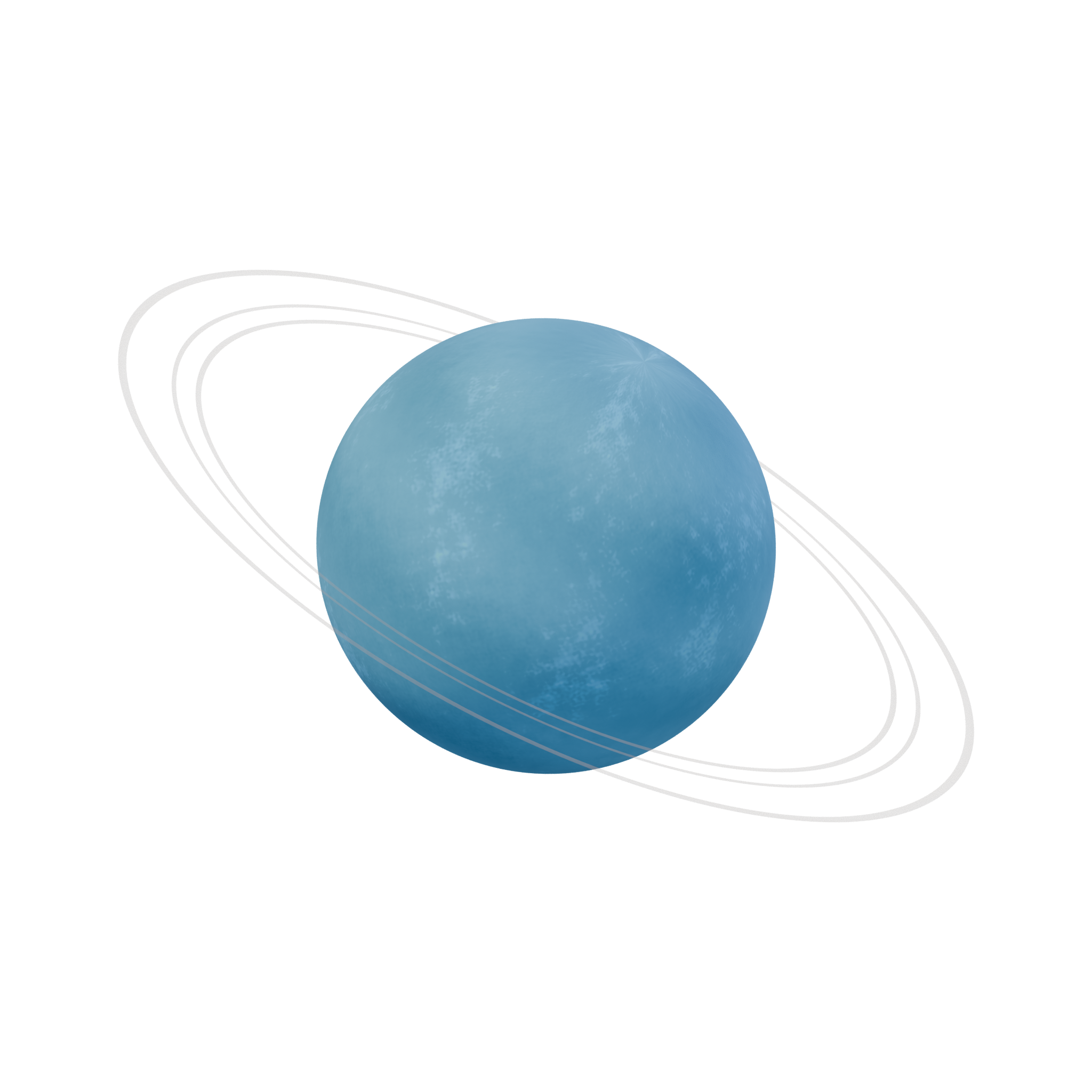
A blue Neptune with softly banded clouds and thin, pale illustrative rings.
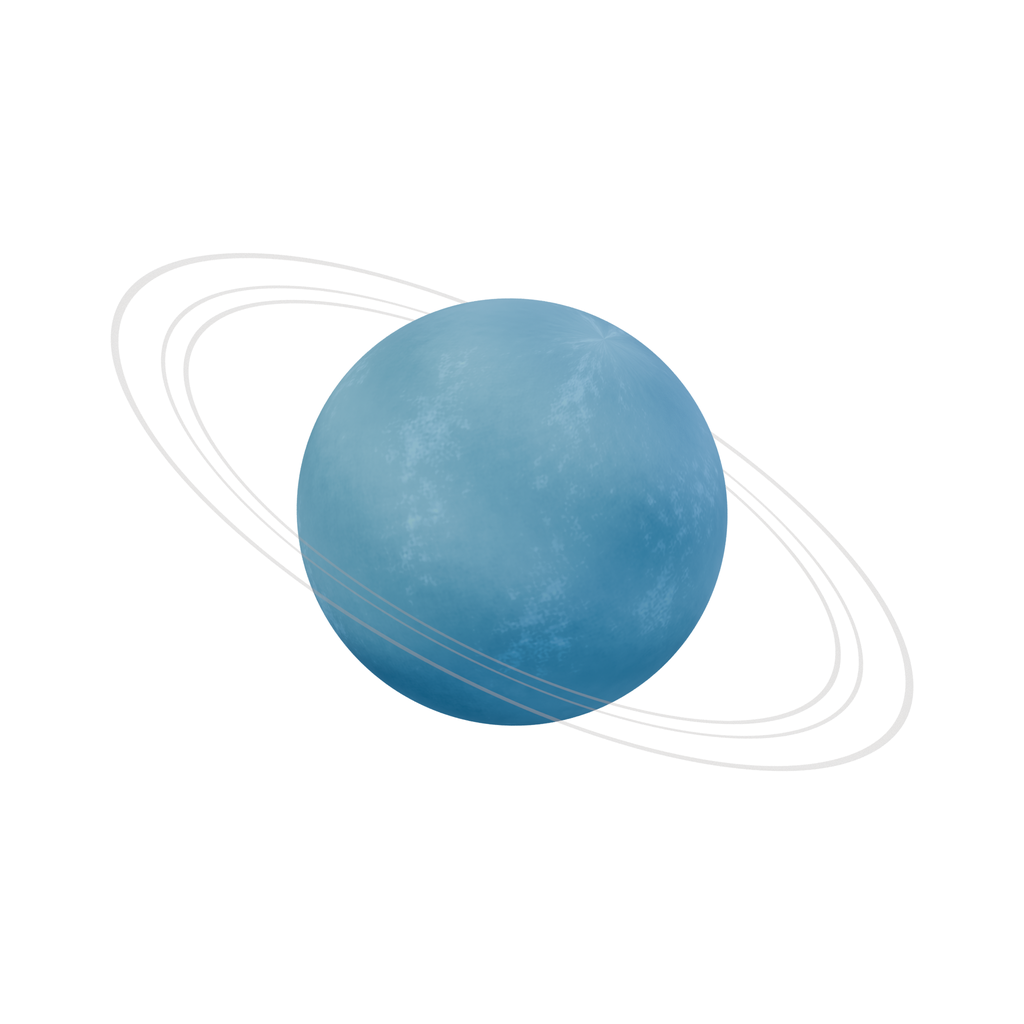
Open interactive asset preview ↗Choose a file ↓
What you get
A 3D model with volume. Check the model dimensions and file details before import.
- 2048 × 2048 transparent PNG and matching lossless WebP. The editable BLEND and portable GLB are separate downloads.
- Static model with illustrative colors, terrain and proportions. Unsuitable for scientific measurement or orbital simulation.
Basic model facts
- Triangles
- 50,304
- Mesh instances
- 4
- Materials
- 4
- Embedded textures
- 4
- GLB bounds · X / Y / Z
- 3.627 × 2.679 × 4.120 m
- Animation clips
- 0
- Skin bindings
- 0
Measured from Basic · asset.glb. glTF uses meters and +Y up; Blender uses +Z up. Bounds enclose the model; rotated parts can leave extra space inside the box. These dimensions describe the model in the file and do not establish the scale of its subject.
Check scale, materials, collision and performance in your target project. See the available files for variants and extras.
Free to build with
Use and modify these assets in personal and commercial finished projects. The SiteChop license does not require credit in finished work. Follow any third-party notices. Do not resell or redistribute the standalone files.
AI assistants can download files for projects. Only files listed as conditional in the training manifest are within SiteChop’s training grant, subject to the stated and upstream terms.
sol-002-mercury/LICENSE.txt · sol-002-mercury/AI-TRAINING.json · sol-003-venus/LICENSE.txt · sol-003-venus/AI-TRAINING.json · sol-005-mars/LICENSE.txt · sol-005-mars/AI-TRAINING.json · sol-007-saturn/LICENSE.txt · sol-007-saturn/AI-TRAINING.json · sol-008-uranus/LICENSE.txt · sol-008-uranus/AI-TRAINING.json · sol-009-neptune/LICENSE.txt · sol-009-neptune/AI-TRAINING.json · LICENSE.txt · AI-TRAINING.json · How to import and use files
Use with AI tools
Choose your file
Select a file to see its preview when available. Use the download arrow to save the file.
Basic files
Supporting files and notices
Keep the displayed relative paths for files that depend on one another.
File checksums and training terms
SHA-256 identifies the exact file. Training permission follows the file’s entry and required notices.
- LICENSE.txt
86a1f5a23d1f06dfec47df5b341c77a5ccce8adf3eb41493b4ca6cf4b1fee885outside_website_training_grant - README.txt
20cad4b51a2a17e912b6dd4b0a567b1a2c644507a97116bb5201235231f53000outside_website_training_grant - asset.blend
67d19f68c8edec0190946939d0a74b90bf957d7aa8079555ad5b61f8cea7b29coutside_website_training_grant - asset.glb
fe1da1fcab4fcb1b87ffc324831a387e9ce9190fe452439d9e2070883d9fb2a9outside_website_training_grant - sprite.png
93e73b510fa58e81da6e43ec473d2790f89dc35bb1e7c3cdbd77f6d7ba8cb211outside_website_training_grant - sprite.webp
cb5330f957a92bcf6e9c6dd5b5c19db670a30ca2924fd2bb158d3fa5f56004dboutside_website_training_grant - thumbnail.webp
d4b9ad5ae30c14779937a535e6bb5394179ee87b0341bd679966b0a7a4591fa8outside_website_training_grant - AI-TRAINING.json
d54f11a41634ec2f2b3b389e8958a39e059dd052af2258faa75163992e88a723outside_website_training_grant - FILE-MANIFEST.json
245eec976b07d901541c00e0f496b474a8ac07629d9aaf6415039b4ba280652boutside_website_training_grant